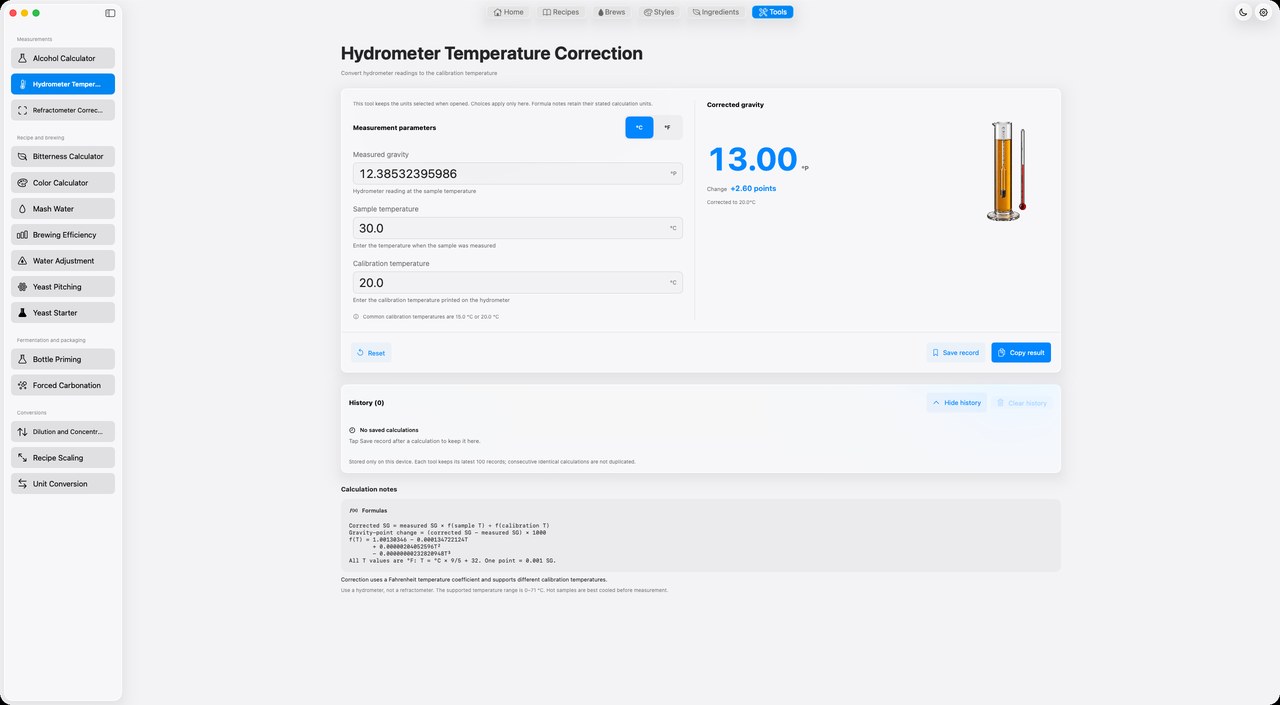
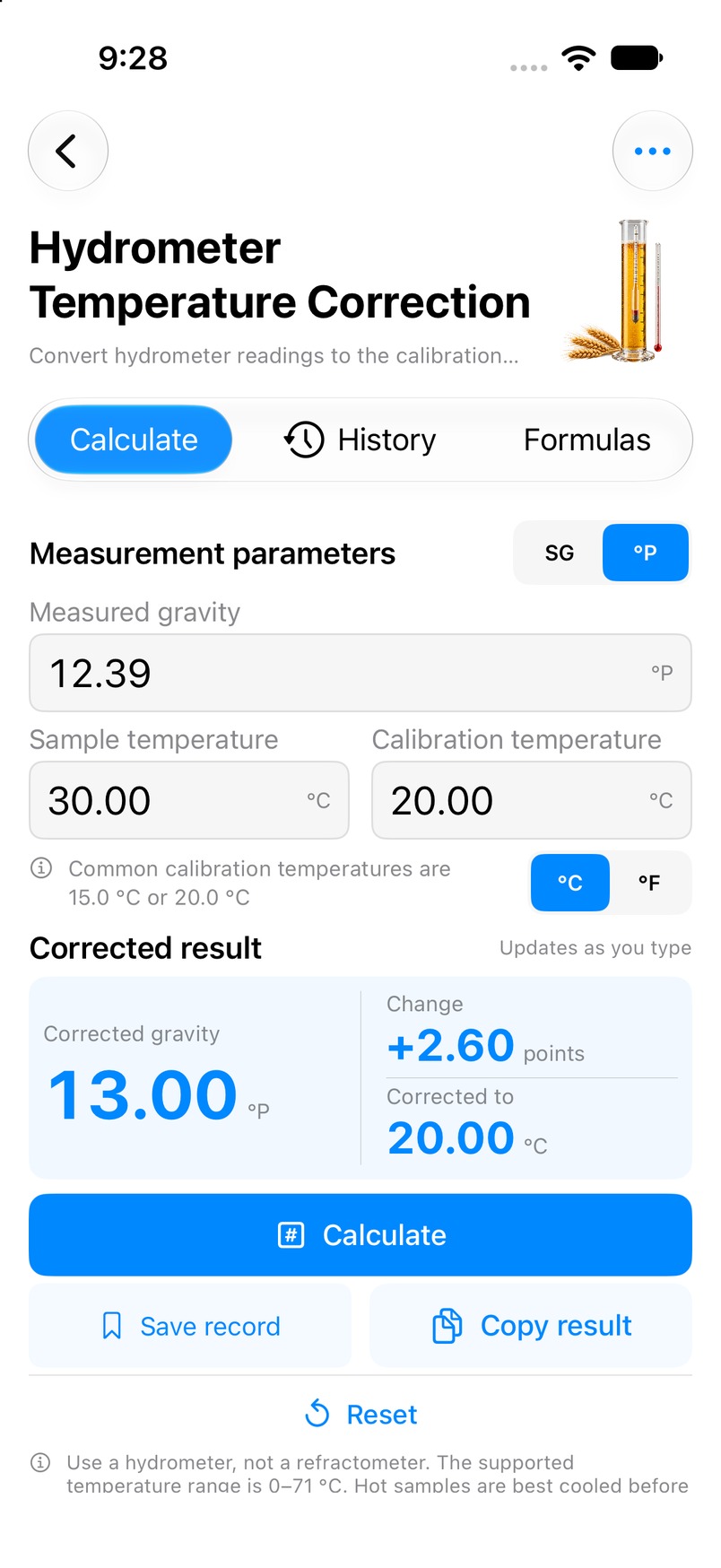
Gravity reading, sample temperature, calibration temperature
What you get
Corrected gravity
Mac
iPhone
Actual Mbrew calculator interfaces on Mac and iPhone, in the selected language.
How to use it
In Mbrew, open Tools and select Gravity temperature correction.
Enter the following values using the units shown in the app: Gravity reading, sample temperature, calibration temperature.
Review Corrected gravity, then compare the inputs and result with your batch plan.
Interpreting the result
Check the hydrometer calibration temperature and use the actual sample temperature. Temperature correction does not correct an uncalibrated instrument or replace taking an accurate sample.
Common questions
Can I calculate directly on this page?
No. Use the matching tool inside Mbrew. This page provides instructions and a screenshot.